STEP 1
Launch the Free PST Viewer software. The user interface of the software is as follows:
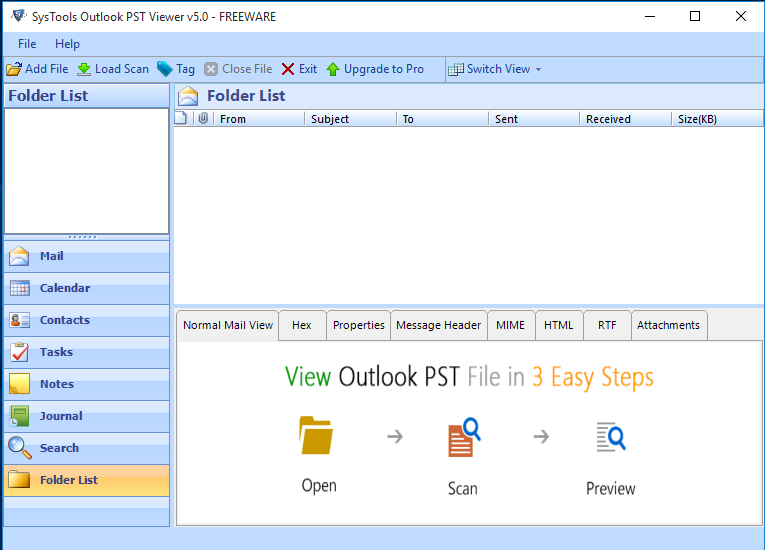
A step wise guide to showcase how you can view MS Outlook PST file and the attachments when Outlook is neither installed nor configured. You can even preview email of data corrupted PST files after scanning it via advance scanning option.
Launch the Free PST Viewer software. The user interface of the software is as follows:
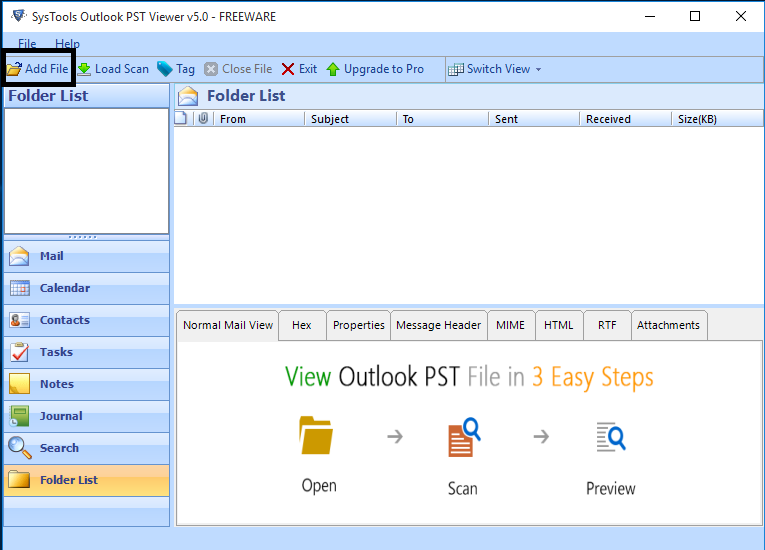
Next, Click on the Add File button as highlighted on the screen to add the PST files that you want to view.
Click on the Browse button to select the PST files.
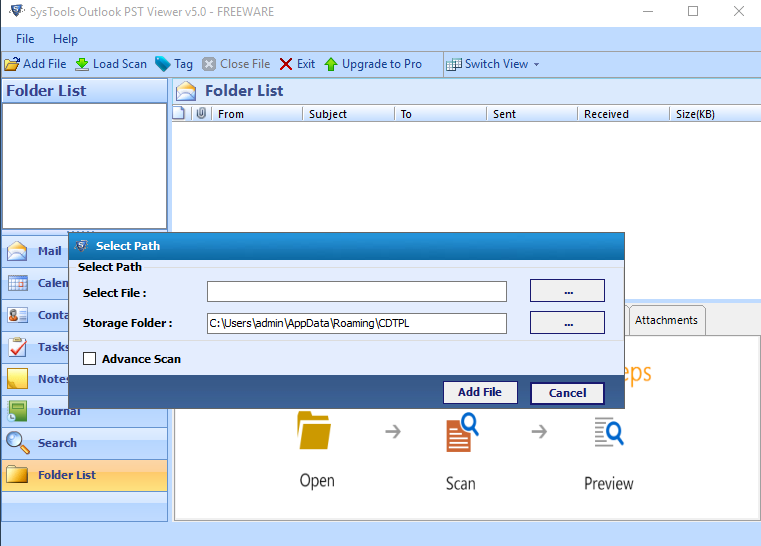
Locate the PST files in the system and click on the Open button.
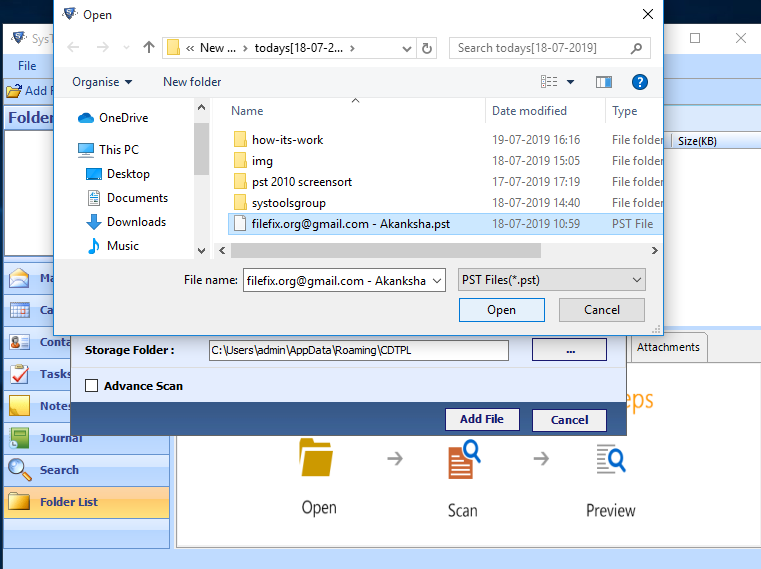
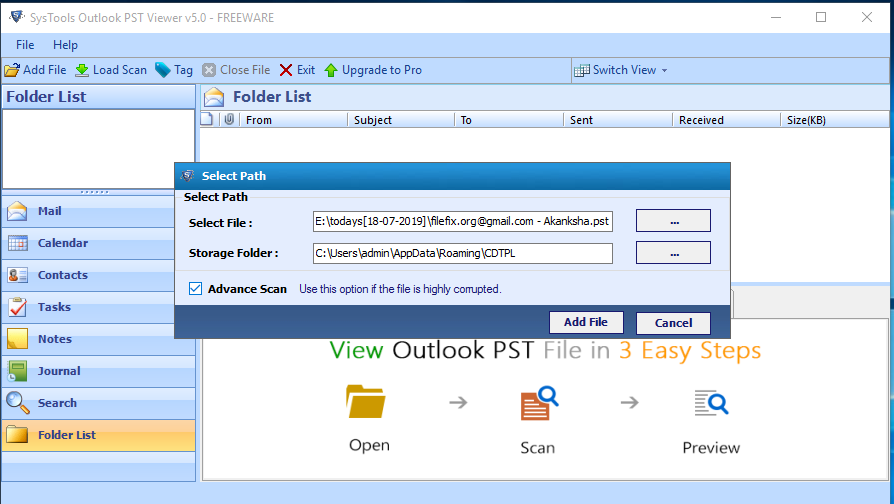
Click on the Advance Scan option to preview corrupt PST files and select the Add File button.
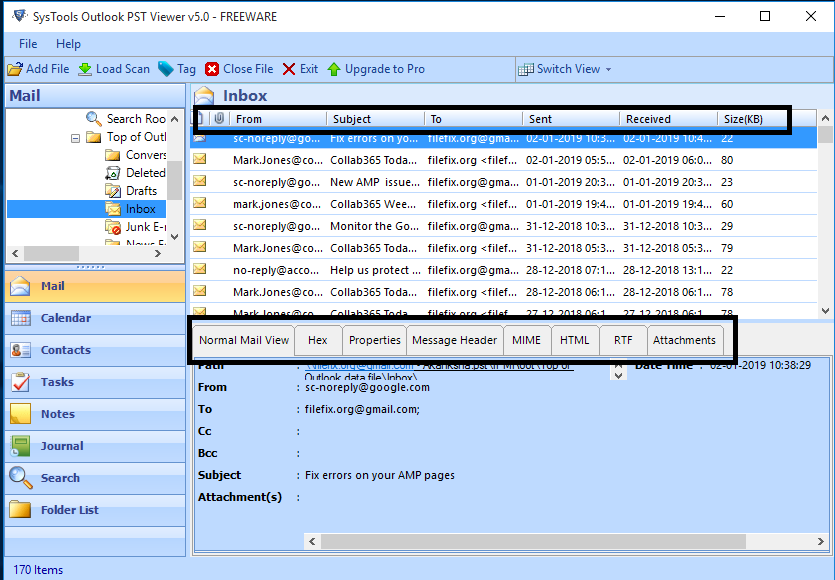
The PST file items will be displayed on the screen.
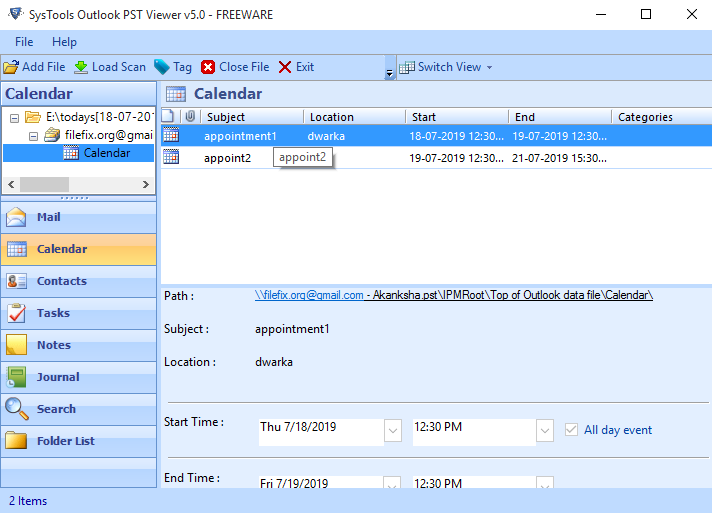
Click on Calendar to display calendar on the screen.
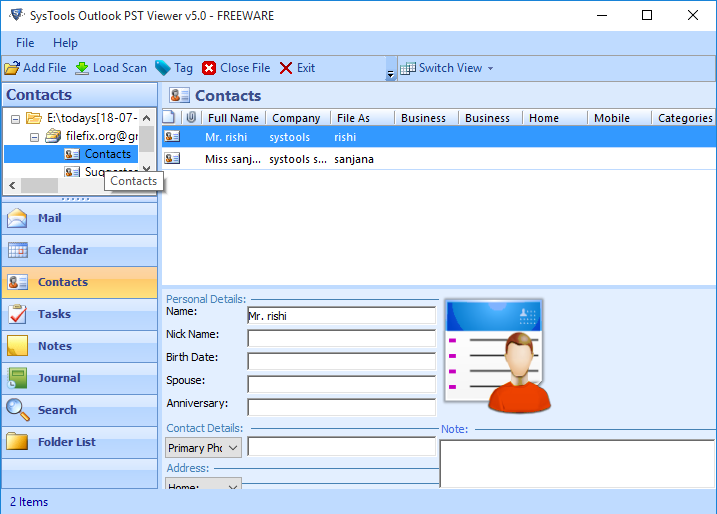
Click on Contacts to preview contacts on the application dashboard.
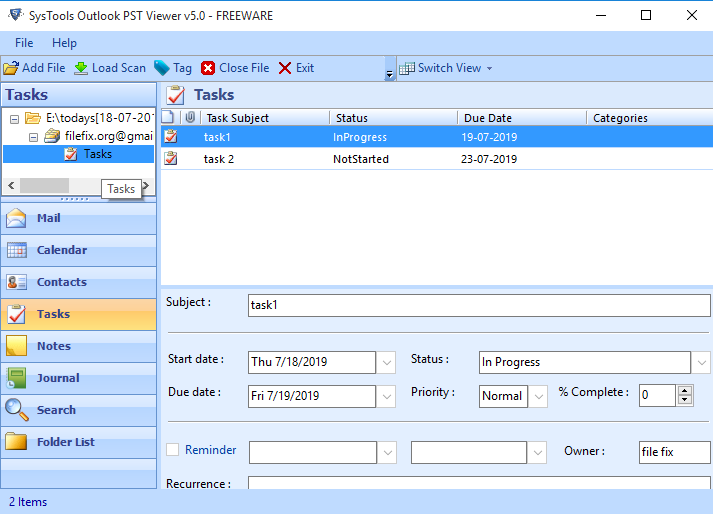
Click on Tasks to display tasks on the user window.
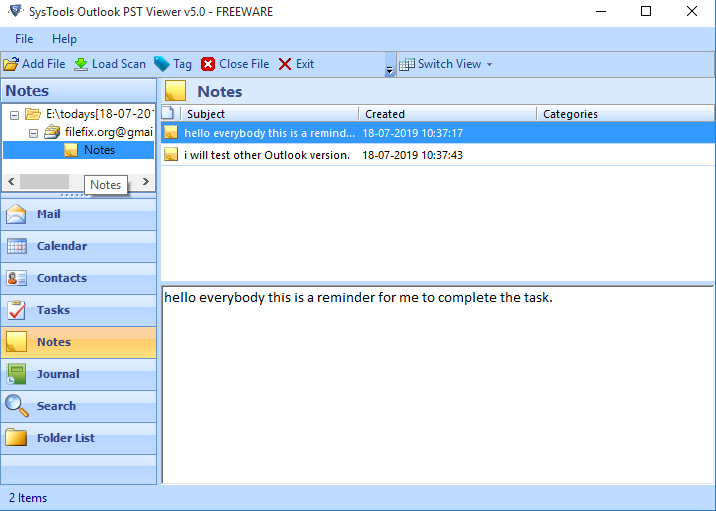
Click on Notes to preview notes on the software dashboard.
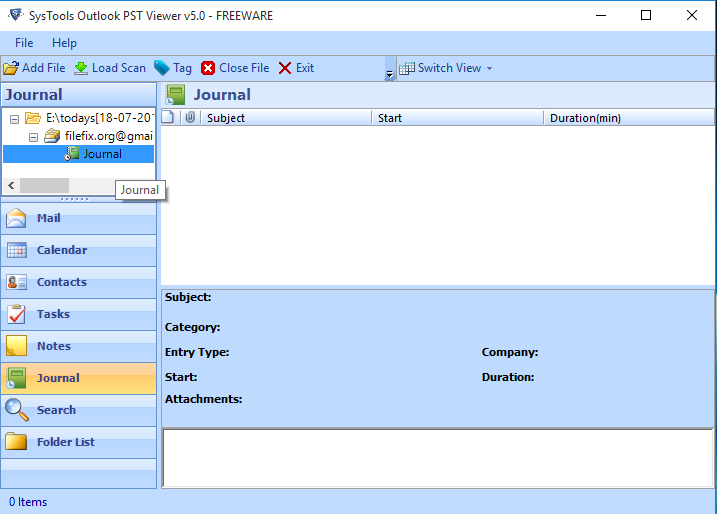
Click on Journals to display journals on the screen.